Quick Comparison
| App | Best for | Offline capability | The honest catch |
|---|---|---|---|
| Nike Training Club | Pre-planned video sessions | Download individual workouts | Pick workouts in advance |
| Apple Fitness+ | Apple ecosystem users | Download workout videos | Apple hardware, heavy storage |
| JEFIT | Reliable gym logging | Offline logging, auto sync | No video offline |
| Peloton (Just Work Out) | Existing Peloton users | Tracks workouts without internet | No classes offline |
| OwnLift | Privacy-focused lifters | Fully offline by design | Lose your phone, lose your data |
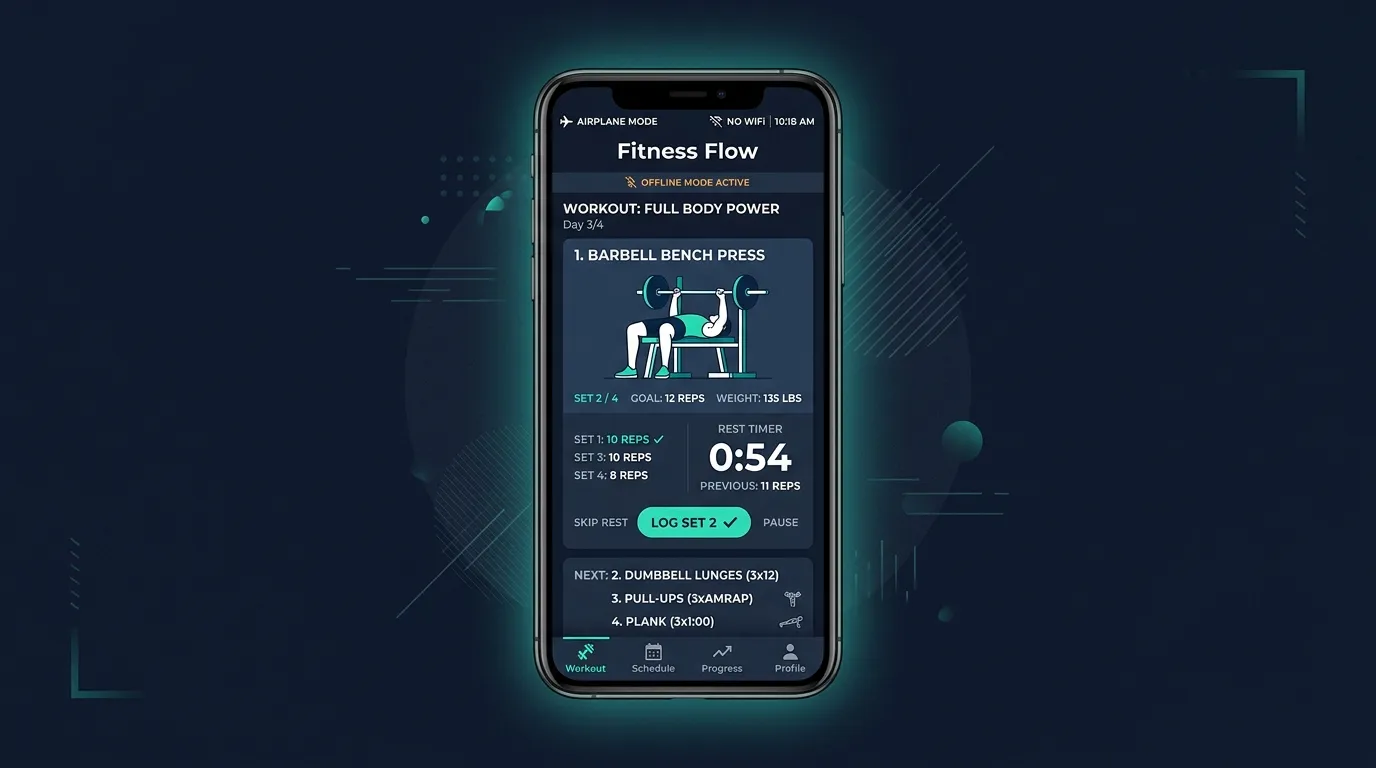
You're in a cabin in the mountains. Or a hotel gym with WiFi that barely loads a webpage. Or on a trail where your phone shows one bar of signal that keeps flickering to zero. You want to work out, but your fitness app is spinning, buffering, or flat-out refusing to load.
This is more common than most people realize. Roughly 53% of active consumers exercise outdoors at least some of the time, according to industry data. And whether you're traveling for work, training in a park, or stuck in a basement gym with concrete walls blocking every signal, your workout shouldn't depend on your internet connection.
The good news: several fitness apps work offline. The not-so-good news: offline capability often comes with trade-offs you should understand before choosing one.
Why Offline Capability Matters More Than You Think
The assumption behind most fitness apps is that you'll always be connected. And for most daily routines — working out at home, in a commercial gym, or following along in your living room — that assumption holds up. But life isn't always that tidy.
Travel and Vacations
Hotel WiFi is famously unreliable. International data plans are expensive. Airport layovers, cruise ships, and remote Airbnbs all create connectivity gaps. If your fitness routine depends entirely on a cloud-based app, travel becomes a built-in excuse to skip workouts — and research on habit formation shows that breaks during travel are one of the most common triggers for abandoning an exercise routine entirely. If travel is your main use case, our roundup of the best workout apps for travelers goes deeper than offline capability alone.
Outdoor Training
Parks, trails, beaches, and backyards don't come with WiFi hotspots. If you prefer training outside — and a growing number of people do — you need an app that doesn't freeze when the signal drops. Running apps like Strava and Nike Run Club handle this well because GPS doesn't require internet. But structured workout apps? Many of them assume you're indoors with a strong connection.
Gym Dead Zones
This one surprises people. Many gyms — especially basement facilities, concrete-walled community centers, and older buildings — have terrible cell reception. You're surrounded by equipment but your app can't load the next exercise. It's a frustrating design gap that offline capability solves.
Fitness Apps with Offline Functionality
Not all "offline modes" are created equal. Some apps let you download full workout programs. Others only cache what you've already viewed. Here's an honest breakdown of what's actually available.
Nike Training Club
- Offline capability: Download individual workouts for offline use
- How it works: Select a workout while connected, download it, and access it later without internet
- Limitations: You need to know which workouts you want in advance. No adaptive recommendations offline.
- Best for: People who plan their workouts ahead of time and want video-guided sessions on the go
Apple Fitness+
- Offline capability: Download workout videos directly to your Apple device
- How it works: Tap the download button on any on-demand class and it saves to your library
- Limitations: Requires Apple hardware (iPhone, iPad, or Apple TV). Downloaded videos consume significant storage — each class can be several hundred megabytes.
- Best for: Apple ecosystem users who want studio-quality video instruction without streaming
JEFIT
- Offline capability: Full offline workout logging with automatic sync when reconnected
- How it works: Download exercises and routines to your device. Log sets, reps, and weights offline. Data syncs automatically when you're back online.
- Limitations: The exercise library is text and image-based (no video offline). Community features require connectivity.
- Best for: Gym-goers who want a reliable workout logger that never fails due to connectivity, with access to 1,400+ exercises
Peloton (Just Work Out Mode)
- Offline capability: The "Just Work Out" feature tracks your workout without internet
- How it works: Start a free-form workout session that records time, heart rate (if wearing a compatible device), and basic metrics — no streaming required
- Limitations: You don't get Peloton's instructor-led classes offline. This is essentially a timer and tracker, not the full Peloton experience.
- Best for: Existing Peloton users who want basic tracking during travel or connectivity gaps
OwnLift
- Offline capability: 100% offline by design — all data stored locally on your device
- How it works: No account required, no cloud sync needed. Everything lives on your phone.
- Limitations: No personalization, no coaching, no social features. If you lose your phone, you lose your data.
- Best for: Privacy-focused lifters who want a no-frills workout logger with zero connectivity requirements
Ready to put this into practice?
Take the free FitCraft assessment and get a personalized plan based on behavioral science, not willpower.
Take the Free Assessment Free · 2 minutes · No credit cardThe Trade-Off: Offline Simplicity vs. Connected Intelligence
Here's the honest truth that most "best offline apps" articles skip: the apps that work best offline tend to be the simplest ones. And the apps that deliver the richest, most personalized experiences tend to require connectivity.
This isn't a flaw — it's a fundamental design trade-off.
What Offline Apps Do Well
- Reliability: They work anywhere, every time, regardless of signal strength
- Speed: No loading screens, no buffering, no failed API calls
- Storage efficiency: Text-and-image-based apps use minimal space
- Privacy: Your data stays on your device
What Offline Apps Typically Lack
- AI-driven personalization: Adaptive coaching that adjusts your workouts based on your progress requires server-side processing
- Real-time exercise guidance: Interactive 3D demos and AI-generated form cues need processing power beyond what most phones handle locally
- Gamification that evolves: Progression systems with XP, leveling, collectible rewards, and adaptive challenges work best when synced to a backend
- Behavioral science integration: Features designed around habit psychology — like adaptive encouragement from an AI coach — depend on analyzing patterns that require cloud processing
Apps like FitCraft fall squarely on the "connected intelligence" side of this spectrum. FitCraft's AI coach Ty generates personalized, adaptive workouts based on your progress, delivers real-time encouragement, and powers a gamification system with XP, leveling up, and collectible cards — all of which rely on an internet connection. The interactive 3D exercise demos with pinch-and-zoom camera control also need connectivity to render properly.
That's a deliberate design choice, not a limitation. The features that make connected apps effective at keeping people consistent — personalization, adaptive difficulty, and behavioral nudges — are precisely the features that require connectivity to function.
A Practical Strategy: Use Both
The smartest approach isn't choosing between offline and connected apps. It's using the right tool for each situation.
- Daily training at home or in a connected gym: Use a personalized, AI-driven app like FitCraft that adapts to your progress and keeps you engaged through gamification. This is where consistency is built — and consistency is where most people fail.
- Travel, outdoor sessions, or dead zones: Keep an offline-capable app loaded with downloaded workouts as a backup. Nike Training Club or JEFIT are solid choices for pre-planned sessions you can access anywhere.
- Running or outdoor cardio: GPS-based apps like Strava or Nike Run Club work offline for tracking routes and pace without needing data.
The goal isn't a single app that does everything. It's making sure you never have a valid excuse to skip a workout — whether you're on WiFi or completely off the grid.
As Katie, a FitCraft user, put it: "I've tried everything. This is the first time I've stuck with something past two weeks." That kind of consistency comes from personalized, adaptive systems — and on the days when connectivity isn't available, having a simple offline backup means the habit stays intact.
What to Look for in an Offline Fitness App
If offline capability is a priority for you, here are the specific features to evaluate:
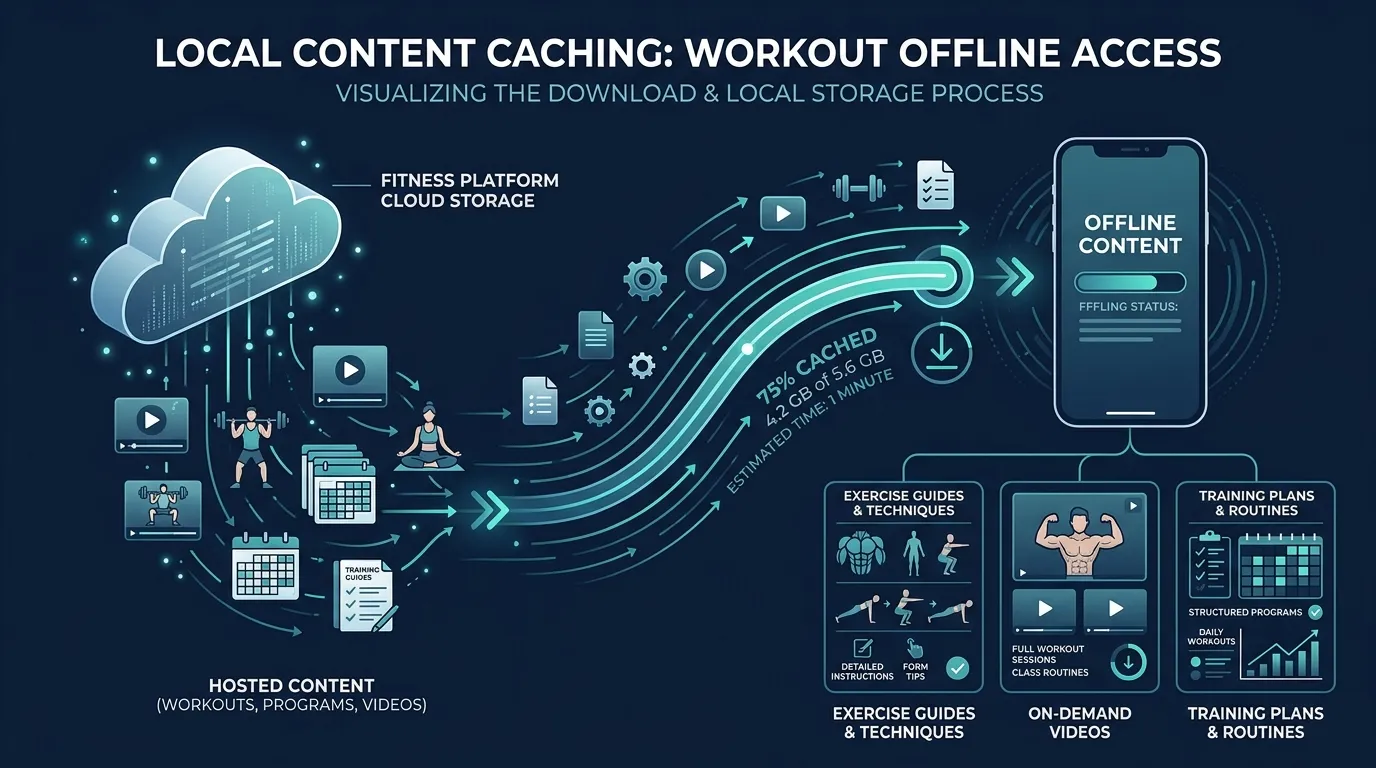
- Downloadable content: Can you save workouts, exercises, or entire programs to your device before going offline?
- Local data storage: Does the app save your workout logs locally so nothing is lost when you're disconnected?
- Automatic sync: When you reconnect, does the app sync your offline activity without manual intervention?
- Storage requirements: Video-based apps can consume several gigabytes. Text-and-illustration apps use a fraction of that. Know the trade-off before downloading a full library.
- Workout variety offline: Some apps only let you download a handful of workouts. Others give you access to hundreds. Check the limits.
Frequently Asked Questions
Which fitness apps work without internet?
Several fitness apps offer offline functionality. Nike Training Club lets you download workouts for offline use. Apple Fitness+ allows downloading workout videos to your device. JEFIT supports offline workout logging that syncs when you reconnect. Peloton's Just Work Out mode works without internet. For fully offline-native apps, OwnLift stores all data locally on your device.
Can I do a full workout without WiFi or mobile data?
Yes. Many fitness apps let you download workout content — including exercise instructions, videos, and training plans — while connected to WiFi, then access that content offline. Text-and-image-based workout apps generally work better offline than video-heavy platforms, since downloaded videos consume significant storage space.
Why do some fitness apps require internet to work?
Apps that use AI coaching, live classes, real-time personalization, or cloud-based workout generation typically require an internet connection to deliver those features. Video-streaming platforms need bandwidth. AI-powered apps like FitCraft rely on server-side processing for personalized workout generation and adaptive encouragement. The trade-off is richer, more adaptive experiences when connected.
What should I look for in an offline fitness app?
Look for downloadable workout content, local data storage so your logs are saved without connectivity, and automatic syncing when you reconnect. Also consider storage requirements — video-based apps can consume several gigabytes, while text-and-illustration-based apps use minimal space.
Does FitCraft work offline?
FitCraft's core features — AI coaching by Ty, adaptive workout generation, and gamification progress syncing — require an internet connection. FitCraft is designed around real-time personalization, which relies on server-side processing. If offline access is your primary concern, text-based workout loggers like JEFIT or downloaded Nike Training Club sessions may be better suited for connectivity-free environments.