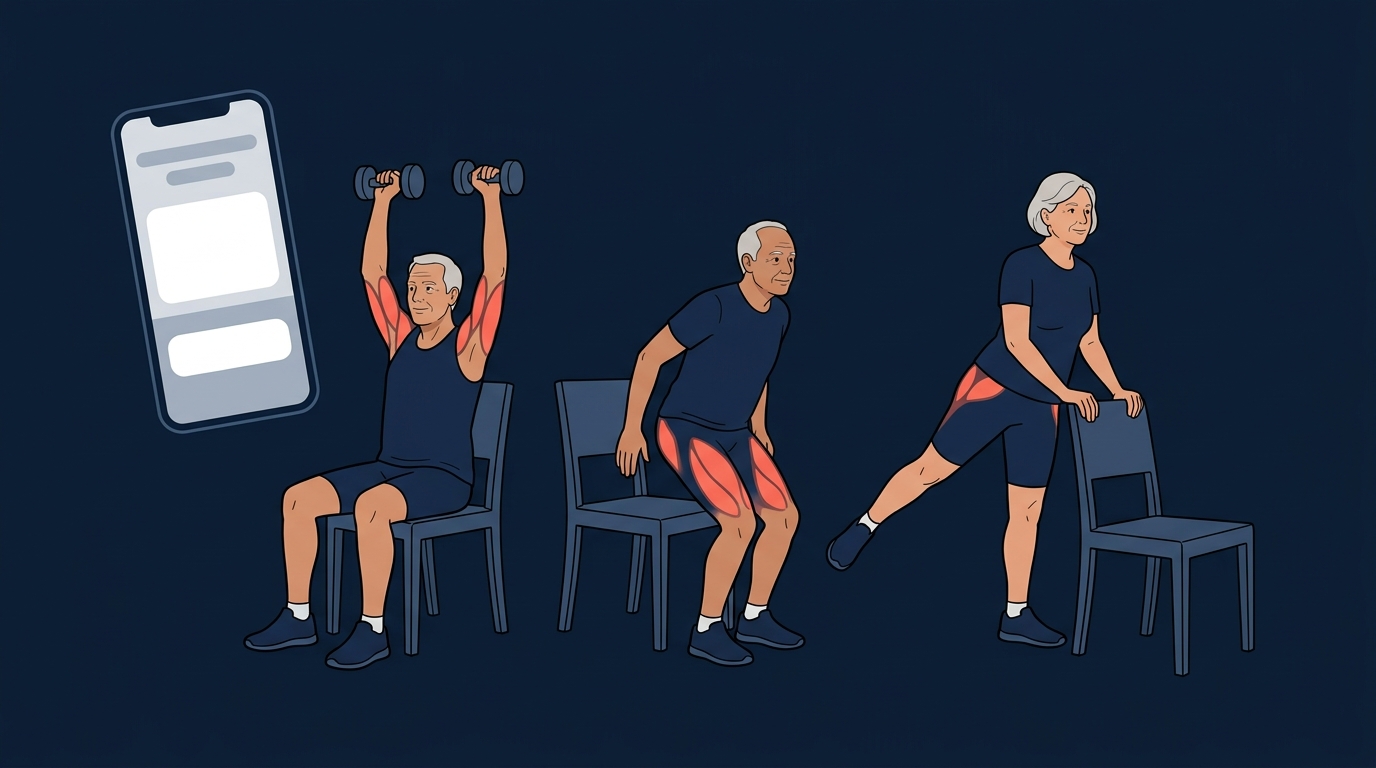
Quick comparison
These are ordered by need, not by rank. The right app for a 68-year-old rebuilding confidence after a fall is not the right app for a 54-year-old who wants to deadlift again.
| App | Best for | Seated or chair work | Balance training | Cost model |
|---|---|---|---|---|
| SilverSneakers GO | Most adults 65 and up | Yes, seated and chair yoga library | Dedicated balance classes | Free with many Medicare Advantage plans |
| Bold | Fall risk and balance | Yes, within adapted programs | Core of the product | Free through many Medicare plans |
| Mighty Health | Wanting a human coach | Low-impact library, some seated options | Included, not the focus | Paid only |
| Pacer | Building a walking habit | Not applicable | None | Free core version |
| FitCraft | Active-aging years, late 40s to 60s | No chair-based programming | Yoga and mobility, no fall-prevention track | Free version available |
| Nike Training Club | Free variety, confident movers | No | Limited | Fully free |
What to look for in a fitness app when you are over 60
Age is not the variable that matters most. Current capability is. A fit 70-year-old who hikes every weekend needs a different app than a sedentary 62-year-old with two bad knees. Still, five things separate an app that was actually designed for older adults from one that just added a "senior" tag to its store listing.
Readability and how few taps it takes to start
Text size, contrast, and tap target size are not cosmetic details here. If you have to hunt for the play button or squint at grey-on-grey timer text, you'll use the app twice and stop. SilverSneakers GO and Bold both design for this. Most mainstream fitness apps design for a 28-year-old holding the phone at arm's length in good light.
Real low-impact and seated options, not "modify as needed"
The tell is whether the app gives you a separate, complete seated or supported version of a session, or whether it shows one standing routine and tells you to adapt it yourself. Adapting a routine safely takes coaching knowledge you should not have to supply. A genuine seated library is one of the clearest signals an app was built for this audience.
Form teaching, not just a video to copy
Guessing at form is how joints get hurt, and it matters more at 65 than at 25 because the margin for error is smaller and the recovery is slower. Look for exercise demonstrations you can actually inspect from more than one angle, plus written cues. A single fixed-camera video of a 25-year-old instructor is the weakest form of teaching, and it's what most apps ship.
Progression pace that starts below where you think you are
Muscle mass declines roughly 3 to 8 percent per decade after age 30, and the rate accelerates after 60 (Volpi et al., 2004). That process, sarcopenia, is reversible with resistance training, which is exactly what the National Strength and Conditioning Association's 2019 position statement recommends: progressive resistance training 2 to 3 times a week, at any age. The apps that get this wrong either start too hard, which ends in a strained back in week one, or never progress at all, which means you plateau in month two. We cover the evidence in more depth in our review of strength training after 60.
Balance work that is programmed, not assumed
More than one in four adults aged 65 and older reports a fall each year, and falls send roughly 3 million older adults to emergency departments annually (CDC). A 2019 Cochrane review by Sherrington et al. covering 108 trials found balance and functional exercise cut the rate of falls by 24 percent, and combining balance work with resistance training cut it by 34 percent. Very few mainstream fitness apps program balance at all. It's the single easiest way to tell whether a product was designed with this reader in mind.
The picks, by what you need
1. SilverSneakers GO, best overall for most adults 65 and up
SilverSneakers GO is the app most older adults should try first. It's built exclusively for this audience, which shows up in the interface as much as the content: large type, a simple layout, and on-demand classes you can start without a tour. The library covers seated and chair yoga, standing-support cardio and strength, balance, and mobility, with multi-week plans rather than a pile of unconnected videos. If you are on a Medicare Advantage plan, there's a good chance you already have it at no extra cost, and the membership also gets you into in-person classes at participating gyms.
The honest limitation: progression tops out early. A capable 63-year-old who already exercises will find most of the catalog easy within a few weeks, and there's no strength periodization to grow into.
2. Bold, best for balance and fall prevention
Bold is the most clinically serious product on this list for one specific job: not falling. Every member completes a fall risk assessment modeled on the CDC's STEADI framework before the app builds a personalized program of balance, strength, and mobility work, delivered on demand by instructors including kinesiologists and tai chi teachers. Bold reaches most of its members through Medicare plans rather than a direct app store purchase, so eligibility usually runs through your insurer.
The published evidence is early but real. A 2021 feasibility study by Jacobson et al. in JMIR Formative Research followed 65 high-fall-risk participants with a mean age of 72.6 through Bold's 12-week program and reported a 46 percent drop in annualized fall rates. Worth reading closely: only 22 percent of participants completed 35 or more classes. That single number is the real story of fitness for older adults, and it's why the balance-training research we cover in our balance training and falls review keeps landing on the same conclusion. The protocol works if you keep doing it.
The honest limitation: it's a feasibility study, not a randomized controlled trial, and access depends on your health plan. If your insurer doesn't offer Bold, the closest substitutes are SilverSneakers GO's balance classes or supervised tai chi, which has some of the strongest fall-prevention evidence of any single modality.
3. Mighty Health, best for wanting a real person involved
Mighty Health pairs every member with a human health coach you can message, then wraps joint-friendly low-impact workouts, nutrition plans, and courses on healthy aging around that relationship. For someone managing weight, a recent diagnosis, and an exercise plan at the same time, a coach who can answer "is this knee pain normal" beats any algorithm. It's designed for the over-50 audience specifically, and the coaching is the product.
The honest limitation: it's paid only, and the workout library is guided-video based rather than progressive strength programming. Anyone who wants load to keep going up will outgrow it.
See what FitCraft would build for you
FitCraft, our mobile fitness app, pairs you with an AI coach who builds you a personalized plan around your goals, schedule, and fitness level. Every FitCraft program is designed by Domenic Angelino, MPH (Brown University) and NSCA-CSCS, with research published in the Journal of Strength and Conditioning Research and Medicine & Science in Sports & Exercise.
Take the Free Assessment Free • 2 minutes • No credit card
4. Pacer, best for building a walking habit
If the honest goal this year is "move more" rather than "train", a step counter beats a workout app. Pacer runs off the phone's built-in sensors with no wearable required, shows a large step count on the opening screen, and adds group challenges if a family member wants to walk alongside you. It's free at the core, and it asks almost nothing of you to get started.
Walking isn't a consolation prize. Walking speed is one of the strongest single predictors of longevity in older adults, and Nordic walking with poles adds upper-body work and extra stability if terrain or balance is a concern.
The honest limitation: step tracking isn't strength training and it isn't balance training. Steps won't slow sarcopenia on their own. Treat Pacer as one leg of a plan, not the plan.
5. FitCraft, best for the active-aging years, roughly late 40s to 60s
FitCraft isn't built for the 75-year-old who needs a chair. It's built for the person in the decade or two before that, the one who can still get up and down from the floor, wants to be stronger at 60 than at 50, and has already downloaded and abandoned four fitness apps.
Two things make it fit that reader. First, form teaching. An AI coach, a 3D character you can watch, demonstrates every exercise on an interactive model you can rotate and zoom, which matters more when a guessed-at hip hinge costs you six weeks. Our AI personal trainer page goes deeper on how that works inside the app. Second, adherence. Strength programs scale from bodyweight and resistance bands up through dumbbells and barbells, workouts adapt as you progress, and a game layer of XP, levels, collectible cards, and calendar rewards exists for one reason: to make week six as likely as week one. Yoga and mobility sessions sit in the same catalog, so a lighter day is a real option rather than a skipped one.
The honest limitation: there's no chair-based programming and no dedicated fall-prevention track. If you are over 65, if standing balance is a concern, or if your doctor has raised fall risk with you, SilverSneakers GO or Bold will serve you better and we would rather you use them. Our companion roundup of the best fitness apps for over 50 covers the transition decade in more detail.
6. Nike Training Club, best free general library
Nike Training Club is fully free, ad-free, and stocked with hundreds of trainer-led sessions across strength, yoga, core, and mobility. As a zero-cost way to sample training styles, nothing beats it.
The honest limitation: it wasn't built for older adults at all. Plenty of sessions include jumping and fast direction changes, intensity can spike inside a single class without warning, and nothing scales to your recovery. You are your own safety filter, which is fine if you are a confident, currently active mover and a problem if you're not.
Free chair exercise and chair yoga apps: what is actually worth downloading
Search "free chair yoga app for seniors" in either app store and you'll get two dozen results with nearly identical names, nearly identical stock photography, and no named instructor anywhere. Most are white-label templates from a handful of developers, monetized with ads and paid upgrades, and they churn in and out of the stores constantly. It's the least trustworthy corner of the fitness app market, and it's aimed squarely at the people with the least margin for a bad recommendation.
Three things to check before you trust any chair routine:
- Is a real instructor named and credentialed? If no human is attached to the routine, nobody is accountable for it.
- Does the program progress? A 30-day plan that repeats the same eight movements at the same intensity is a video playlist, not a program.
- Does it tell you when to stop? Good senior programming includes explicit guidance on pain, dizziness, and when to sit out. Its absence is a red flag.
By those criteria, SilverSneakers GO's seated and chair yoga library is the most credible free option for anyone eligible through a Medicare Advantage plan. If you're not eligible, the most reliable free chair routines come from named instructors on YouTube rather than from the app stores. And if the appeal of chair work is really "low impact and I can do it at home", our yoga and mobility at home guide and our piece on wall Pilates at home cover two more standing-optional routes with the same joint-friendly profile.
What chair exercise does and does not do
This is the part the listicles skip, and it changes how you should use a chair program. A 2021 systematic review and meta-analysis by Klempel et al. pooled 25 studies covering 1,388 older adults and found chair-based exercise produced significant gains in strength: handgrip strength improved by about 2.1 kg, the 30-second chair stand test by about 2.25 repetitions, and the 30-second arm curl test by about 2.82 repetitions. The handgrip gain landed inside the range considered clinically meaningful, which matters because grip strength is a well-established marker of overall function in older adults.
What the same review didn't find is just as important. Chair-based exercise produced no significant improvement in balance, timed up and go, gait speed, daily activities, or falls efficacy. Sitting down to train builds strength. It doesn't, on its own, make you steadier on your feet, because balance is trained by challenging balance.
The practical takeaway: use chair work as a floor, not a ceiling. If standing is safe for you, even with a counter or chair back for support, add standing balance work to the seated strength work. That combination is what the Cochrane fall-prevention data actually describes, and it's the version of the plan worth building toward.
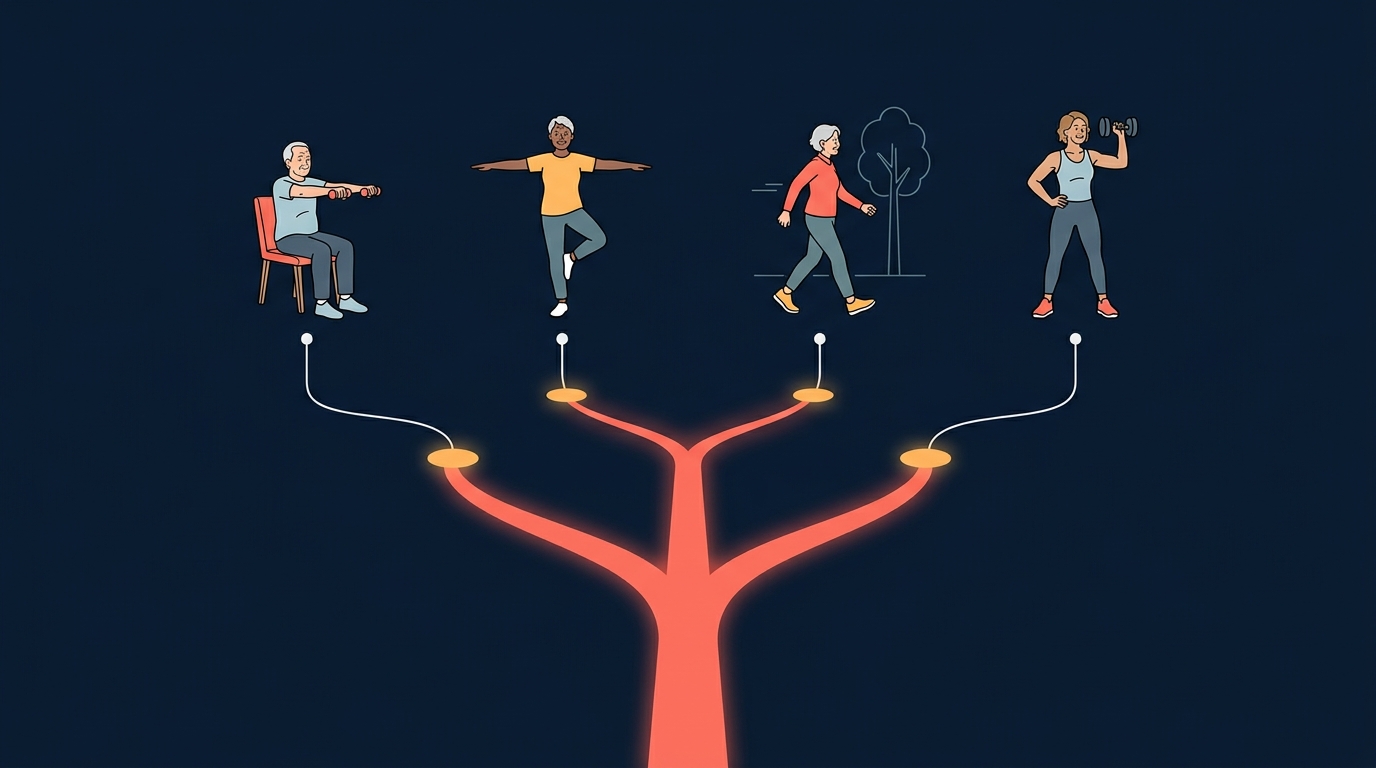
Which app for your situation
| Your situation | Pick this | Why |
|---|---|---|
| You have fallen in the last year, or you feel unsteady | Bold, with SilverSneakers GO as the backup | Bold's programs start from a fall risk assessment and target balance directly. Tell your doctor about the fall either way. |
| Standing for long is hard, or you are recovering from surgery | SilverSneakers GO seated classes, cleared by your PT | A complete seated library beats improvising modifications, and your physical therapist outranks any app. |
| You want someone checking in on you | Mighty Health | A human coach is the only feature here that can answer a question the app did not anticipate. |
| The realistic goal this year is simply moving more | Pacer | Lowest barrier of anything on this list, and walking pace tracks meaningfully with long-term function. |
| You are 50 to 65, active, and keep quitting fitness apps | FitCraft | Progressive strength with form teaching on 3D models, plus a consistency system aimed at week six. |
| Knees or hips complain, but you are otherwise steady | FitCraft or SilverSneakers GO | Both offer band, bodyweight, and mobility paths. Our guide to low-impact exercises for bad knees covers what to train around. |
How we evaluated
We scored each app on five criteria chosen for this reader rather than recycled from a general app review:
- Seated and low-impact depth. Is there a complete seated or supported version of a session, or does "modify as needed" do all the work?
- Balance programming. Is stability trained deliberately, given what the Cochrane fall-prevention data shows, or left out entirely?
- Readability and friction. Type size, contrast, and how many taps stand between opening the app and starting a session.
- Form teaching. Can you inspect a movement from more than one angle, and are there written cues alongside the demonstration?
- Progression runway. Can the program still challenge you in month six, and does it start conservatively enough to be safe in week one?
We test FitCraft continuously because we build it. For the others we used free tiers, published clinical literature, and current store and plan documentation, verified in August 2026. We haven't run multi-week hands-on trials of all six apps and we don't claim to have. Medicare Advantage eligibility for SilverSneakers GO and Bold varies by plan and by year, so confirm coverage with your insurer rather than with a review site.
Which should you choose?
The Verdict
Over 65, general fitness: SilverSneakers GO. It's built for you, it has real seated options, and many Medicare Advantage plans already include it.
Unsteady, or a fall in the last year: Bold first, and tell your doctor. Balance is the trainable variable with the most evidence behind it.
You want a person, not an algorithm: Mighty Health. You want to walk more: Pacer.
Late 40s through 60s, active, tired of quitting: FitCraft. Strength that keeps progressing plus a system built around showing up on the days you would rather not.
Frequently Asked Questions
What is the best fitness app for seniors?
For most adults over 65, SilverSneakers GO is the best fitness app because it is built specifically for older adults, includes seated and chair yoga classes alongside standing-support work, and is free with many Medicare Advantage plans. If your main concern is falling, Bold is the stronger pick because its programs start from a fall risk assessment. If you want a human being checking in on you, Mighty Health pairs every member with a coach.
Is there a free fitness app for seniors?
Yes. SilverSneakers GO and Bold are free to eligible members through many Medicare Advantage plans, Pacer is free for step tracking, and Nike Training Club is fully free but not designed for older bodies. FitCraft has a free version as well. Outside of Medicare-linked programs, the most reliable free chair routines come from named instructors on YouTube rather than from the near-identical chair exercise apps that fill app store search results.
What is the best free chair yoga app for seniors?
SilverSneakers GO is the most credible free chair yoga option if you are eligible through a Medicare Advantage plan, because its seated classes are taught by named instructors trained to work with older adults. The standalone free chair yoga apps in the app stores are largely interchangeable, ad-supported, and rarely name the instructor or show any progression, so check who made the app and whether a qualified instructor is credited before you trust a routine.
Do free chair exercises for seniors actually build strength?
Yes, for strength. A 2021 systematic review of 25 studies covering 1,388 older adults found chair-based exercise improved handgrip strength by about 2.1 kg, 30-second chair stand performance by about 2.25 repetitions, and 30-second arm curl performance by about 2.82 repetitions. The same review found no significant improvement in balance, timed up and go, or gait speed, so chair work should be paired with standing balance training when it is safe to do so.
What is the best exercise app for older adults who want to get stronger?
If you can train standing and want load to keep increasing over months and years, FitCraft is the better fit because its strength programs scale from bodyweight and resistance bands up to dumbbells and barbells, and every movement is demonstrated on an interactive 3D model you can rotate and zoom. Senior-specific apps like SilverSneakers GO and Bold are safer starting points but their progression tops out earlier.
Is FitCraft a good fitness app for seniors?
FitCraft is a good fit for the active-aging years, roughly late 40s through 60s, when you can get up and down from the floor, want strength that keeps progressing, and keep abandoning fitness apps after a few weeks. It does not have chair-based programming or a dedicated fall-prevention track, so adults over 65 whose priority is balance, seated exercise, or recovering confidence after a fall are better served by SilverSneakers GO or Bold.